
By the Maincoms engineering team, Cosham, Portsmouth. Updated 17 October 2026.
In short: Most practical automation in business phone systems, such as call routing, CRM pop-ups, missed-call tickets, call summaries and chat assistants, is already built into modern platforms and only needs configuring. Start with one task your team repeats every day.
AI and automation are often talked about as large, expensive projects. In business communications, most of the useful features are already built into modern phone and messaging platforms. They simply need setting up.
Here are six that save time without changing how your team works.
1. Route calls without a receptionist
Call menus, time-of-day rules and holiday schedules send callers to the right person or team automatically. Overflow rules pass a call on if nobody answers, so fewer calls go to voicemail or are missed.
2. See who is calling before you answer
When your phone system is connected to your CRM, the caller's record appears as the phone rings. The call is then logged against the customer automatically, with no notes typed up afterwards.
3. Turn missed calls into actions
A missed call can create a ticket in your helpdesk, a task in your CRM or a message to the right team. It is a simple way to make sure nobody falls through the gaps on a busy day.
4. Transcripts and summaries
Where the platform supports it, calls can be transcribed and summarised automatically. Staff spend less time writing notes, and managers can search past conversations rather than listening back.
5. Answer routine questions by chat
A web chat assistant can answer common questions such as opening hours, delivery times or how to report a fault, then pass the conversation to a person when it needs one. The same applies to automatic replies on SMS and WhatsApp out of hours.
6. Reports that arrive on their own
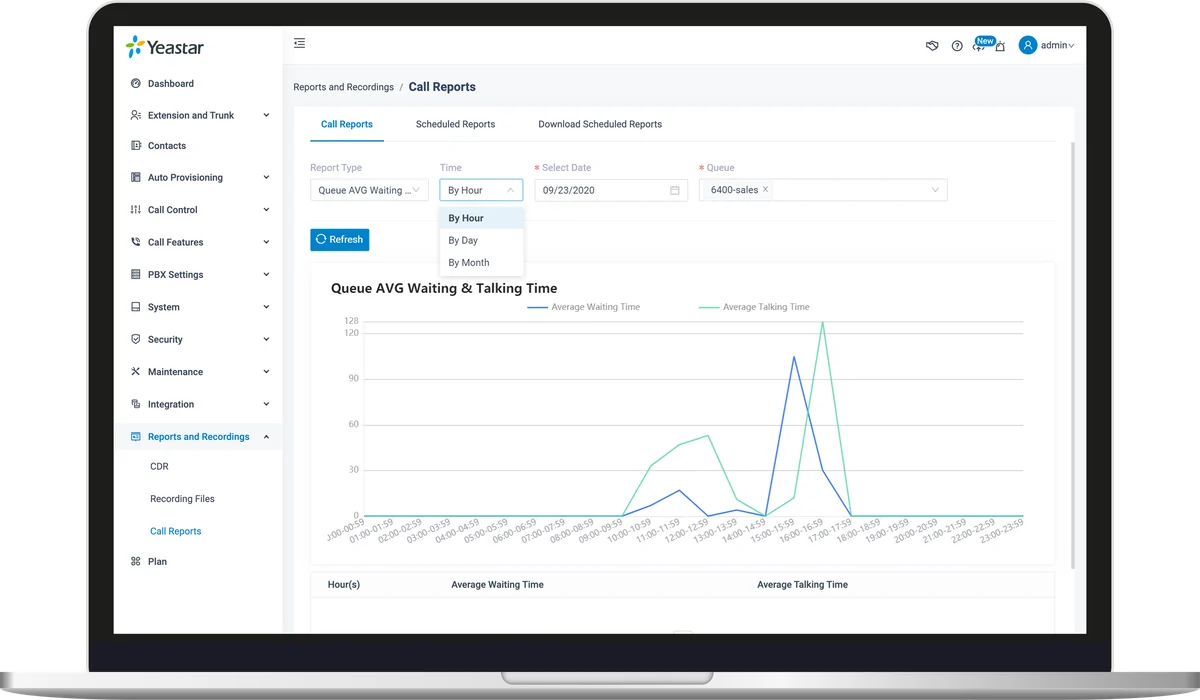
Call and queue reports can be produced and emailed on a schedule, with an alert when waiting times or missed calls go above a set level.
Using AI responsibly
Any automation that handles customer information should be designed with UK GDPR in mind. Agree what data is processed and where it is stored, keep a person available to take over a conversation, and make sure your team can explain to customers how the system behaves.
Where to start
Pick one task your team repeats every day, such as logging calls or chasing missed ones, and automate that first. Many of these features can be switched on with your current system, so it is worth checking before buying anything new.
See AI and automation or tell us the task you would like to automate.
Frequently asked questions
Will automation replace our receptionist?
No. It handles routine calls and messages so your staff can concentrate on the conversations that need a person.
Do we need a new phone system to use these features?
Often not. Many features can be switched on with the platform you already use, so it is worth checking what is available before buying anything new.
Is AI call transcription GDPR compliant?
It can be, if it is set up properly. Agree what data is processed and where it is stored, tell callers how their information is used, and restrict access to the people who need it.
What should we automate first?
Choose a task your team repeats every day, such as logging calls in your CRM or following up missed calls. It is quick to set up and the time saved is easy to see.